





Secchi Simulator Archive
This is an archival webpage. For the current webpage, please go to www.lakestewardsofmaine.org/secchi-simulator.
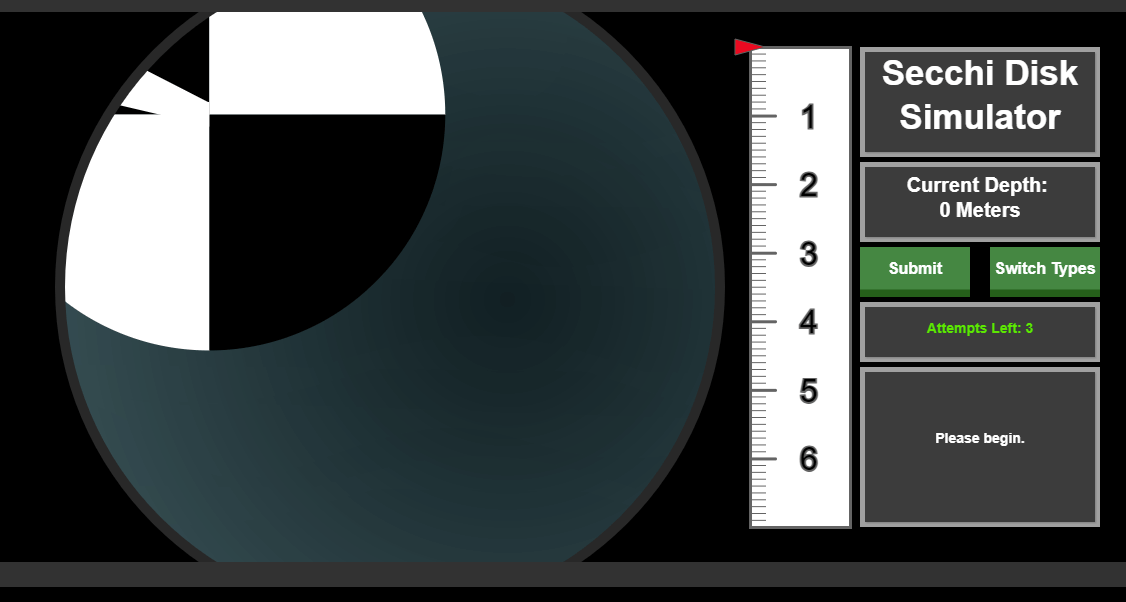
The simulator is designed to help you recognize what to watch for as a Secchi disc moves through the water column. For a reliable reading, lower the disc until it just disappears, then raise it slowly until it reappears. Lower it once more, carefully, until it disappears again. This second disappearance is the measurement. Focus on the moment the faint glow of the disc is no longer visible.
Your eyesight is an important part of this process. Changes in vision over time, whether from updated prescriptions, cataract surgery, or other factors, can influence readings. To maintain consistency, we ask volunteers to complete annual recertification using the Secchi Simulator, along with in person field recertification at least once every four years.
If you have any eyesight changes, please contact us at stewards@lakestewardsme.org?subject=eyesight.
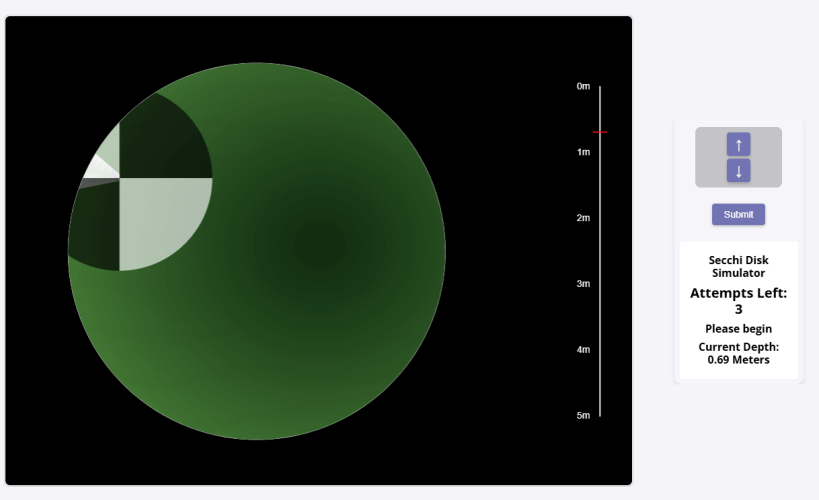
To access the Secchi Simulator, visit: https://secchisim.lakesofmaine.org/login.
Please note, if this your first time logging into the NEW Secchi Simulator, you will need to Create an account — this includes monitors who previously used the Secchi Simulator before the rebuild. Select “Need an account? Sign Up” to create an account. After submitting your information, you will receive a verification email. Please follow the instructions in that email to confirm your address.
Once your email is verified, your account will be activated by our staff. This step is required before you can log in. You will receive a confirmation once your account is ready.
If you do not see the verification email, check your spam or junk folder. For assistance, please contact us. This happens A LOT!